
Be My Eyes Review: Free Volunteer Calls and Be My AI for Blind and Low-Vision People
Be My Eyes · 9 min read
- Free
- Conversation
- iOS · Android · Windows · Mac
Price Pricing on their site

My verdict
In IT since 2002: systems, engineering, web development and SEO. I have been doing business with AI since February 2023, when ChatGPT could first be bought in Spain.
Be My Eyes is one of the easiest recommendations I can make: if you're blind or have low vision, it's free, and it puts a sighted volunteer or an AI that describes photos one tap away. Be My AI is the quick option for labels, menus and screens; a volunteer is the better one when the task needs judgment or back-and-forth. As far as Be My Eyes' pages show, the money comes from companies, not from you.
What is Be My Eyes
- Company
- Be My Eyes
- Type
- Conversation
- Platforms
- iOS · Android · Windows · Mac
- Free plan
- Free
- Updated on
- Oct 24, 2026
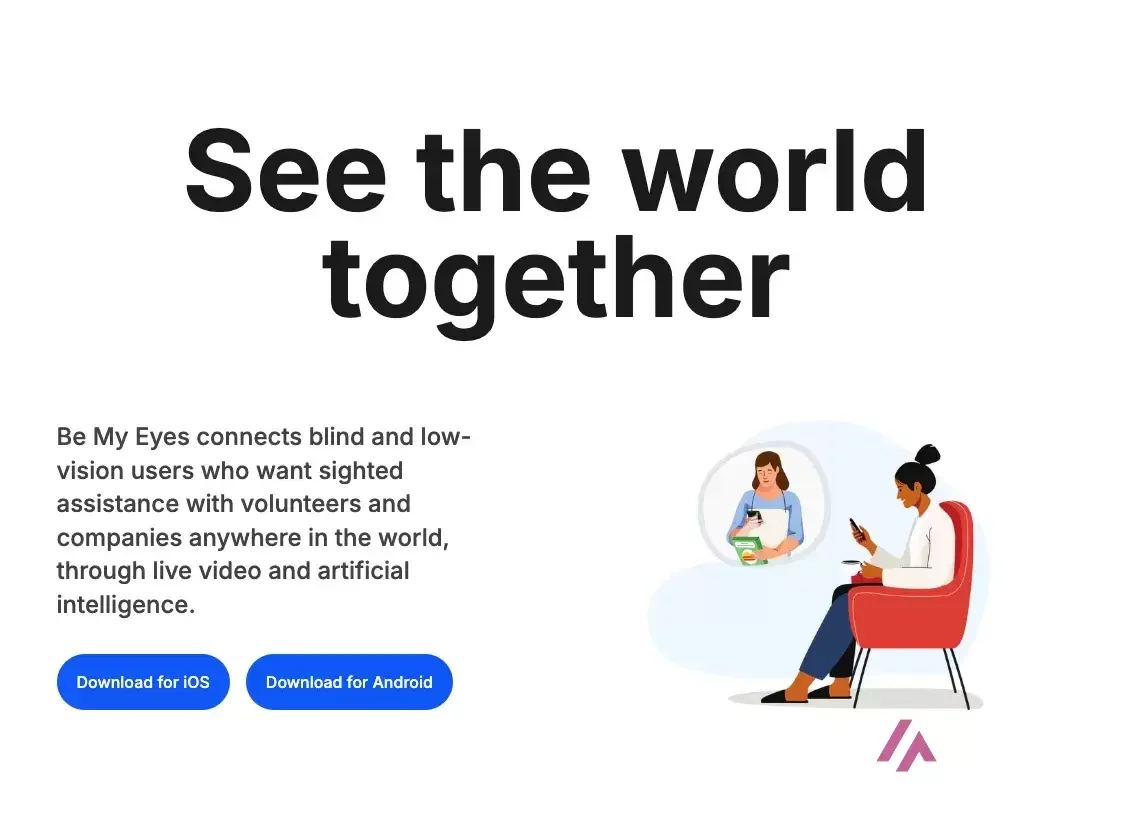
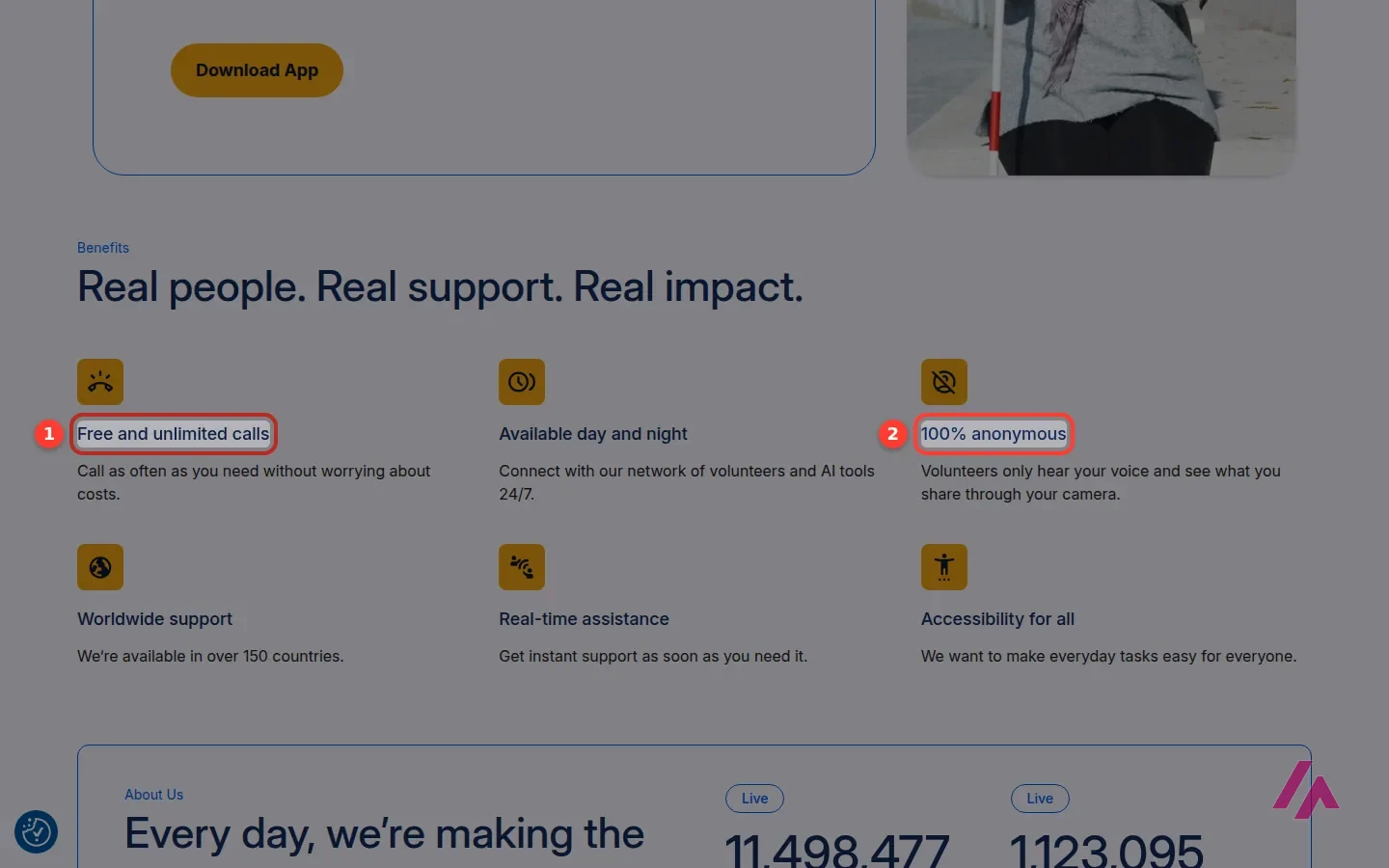
Be My Eyes is a free app that connects people who are blind or have low vision with sighted volunteers over live video, or with Be My AI, an assistant that describes what your camera sees and answers questions about it. And yes, it's free for the people who use it to get help: Be My Eyes promises free, unlimited calls, and the AI is free too. Volunteering is free as well. As far as Be My Eyes' own pages show, the money comes from companies, which pay for its business products.
Is Be My Eyes free? The short version (Important)
- Blind and low-vision users: free. Calls to volunteers are free and unlimited, and Be My AI comes in the same free app.
- Volunteers: free. You download the same app, sign up as a volunteer, and only get calls during your daytime hours.
- Who pays: companies. Be My Eyes sells customer support and workplace tools to businesses, mostly through a demo and with no public prices.
- Where: iPhone and Android, a free desktop app for Windows and Mac for personal use, and hands-free volunteer calls on Meta's AI glasses.
What Be My Eyes is today
The idea came from Hans Jørgen Wiberg, a visually impaired Danish craftsman, and it is still beautifully simple: a lot of everyday problems for a blind person are solved in seconds by someone who can see. Is this the chicken or the vegetable soup? What does this error message on the TV say? Which of these two shirts is the blue one? Be My Eyes turns that into a button on your phone.
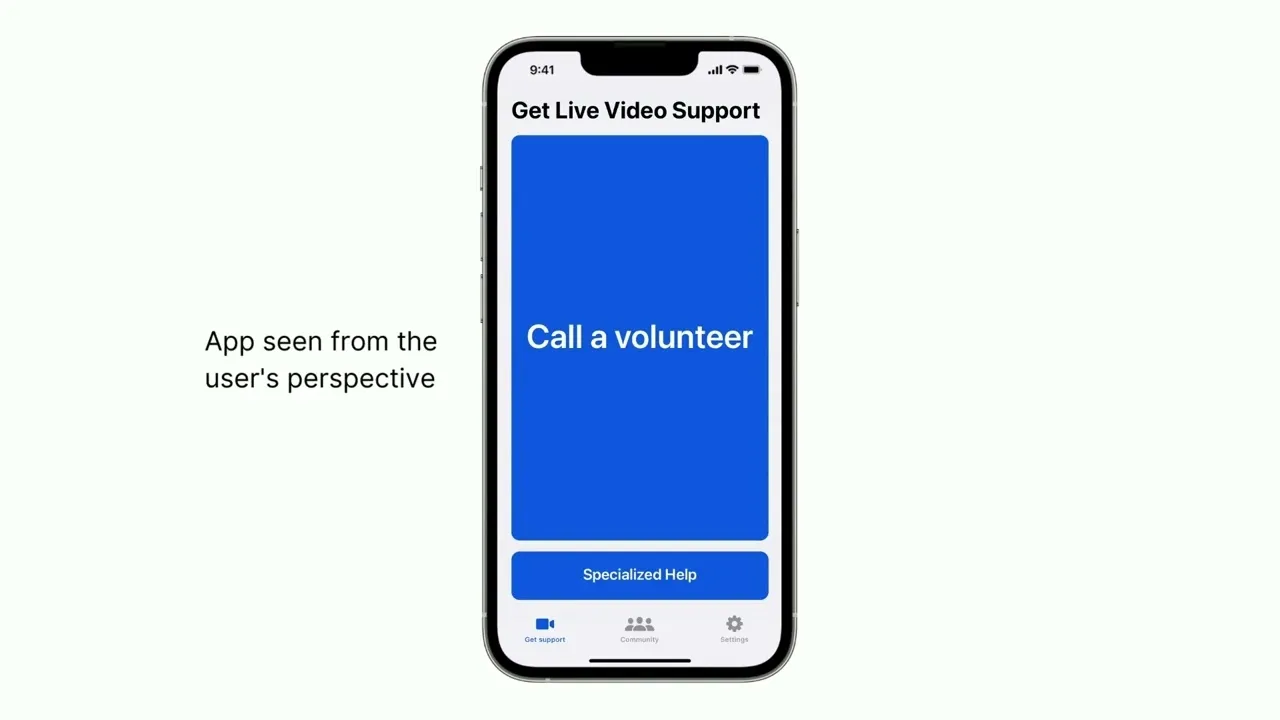
What has changed is that the app now gives you three ways to get help, all in one place:
- Call a volunteer. A sighted volunteer who speaks your language picks up, sees what your phone's camera sees, and tells you what you need to know.
- Ask Be My AI. You send a photo and the AI describes it, and then you can ask follow-up questions about it, like "what's the expiration date?" or "is the oven set to 350?".
- Call a company. The Service Directory connects you with support teams at companies that work with Be My Eyes, and with organizations from the blindness community, so you can get help with their products while they see what you see.
Be My Eyes says it's available in more than 150 countries and in over 180 languages, with millions of volunteers and over a million blind and low-vision users. The app has an Editors' Choice badge on the US App Store, which, for an accessibility app, is not a small thing.
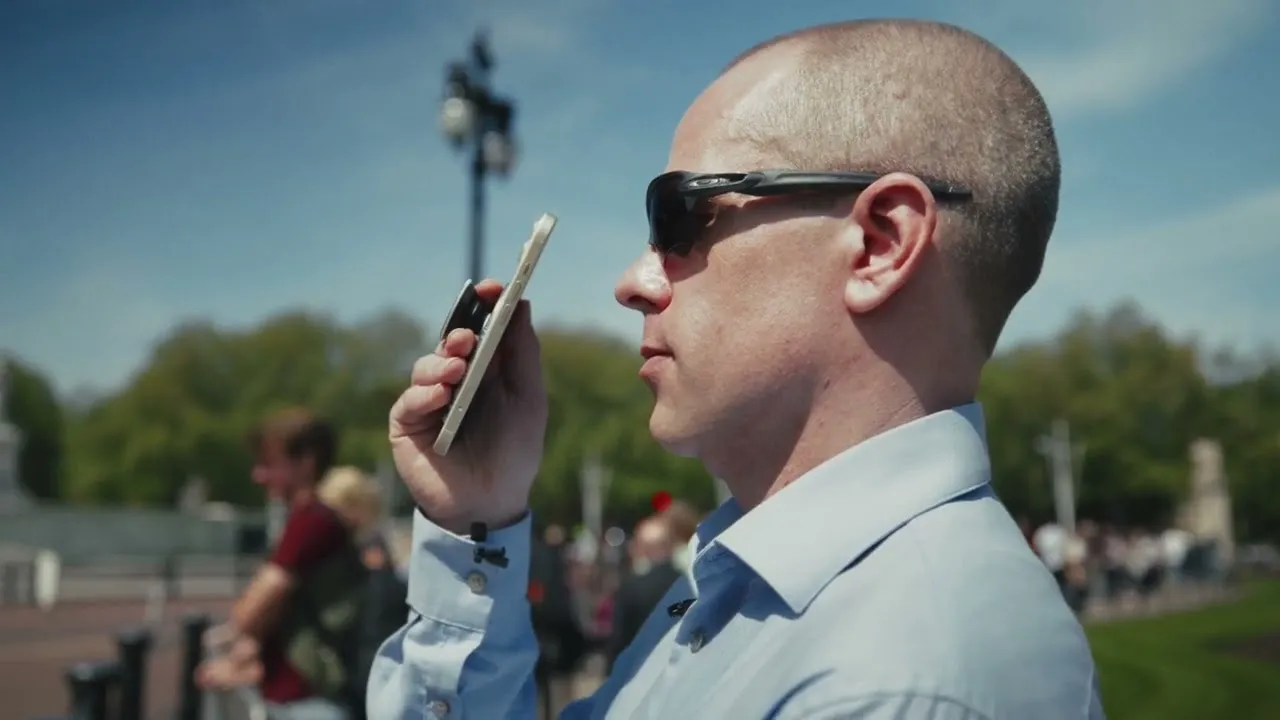
Below, Be My Eyes' own demo from 2024 gives you a feel for the AI side: a blind man points his phone at the world around him and the AI talks him through it, live.
Volunteer or Be My AI: which one when
This is the choice you make every time you open the app, so here's how I'd think about it:
| What matters | Call a volunteer | Ask Be My AI |
|---|---|---|
| How it works | Live video call: the volunteer sees your camera and talks to you | You send a photo, it describes it, and you ask questions about it |
| Best for | Tasks that need judgment or back-and-forth: matching an outfit, finding something you dropped, a tricky appliance | Quick reading jobs: labels, menus, documents, screens, mail |
| Who's on the other side | A stranger who volunteered, speaking your language | No person at all, which some people prefer for private things |
| When it's there | Day and night, says Be My Eyes | Any time, 24/7 |
| Cost | Free | Free |
My rule of thumb: if you can say what you need in one sentence ("read me this label"), start with Be My AI, because it's instant and you don't have to talk to anyone. If the job is "help me find the thing I just dropped under the couch", call a human. Be My Eyes itself puts it that way: the AI for everyday descriptions, and human support on hand for the tougher requests.
Where I wouldn't rely on it (Heads-up)
An AI description can be confidently wrong, and a volunteer is a kind stranger, not a professional. For medication doses, anything about your health, or a document where a misread number costs you money, I'd ask someone you trust, or a professional, and use Be My Eyes as a second check. And it's not a mobility aid: a phone camera is no replacement for a cane, a guide dog or orientation training when you cross a street.
If you already use a general chatbot like ChatGPT, it can describe a photo too. The difference is that Be My Eyes is built around blind and low-vision users from the first screen, and when the AI isn't enough, a human is one tap away.
Beyond the phone: desktop and smart glasses
Be My Eyes isn't only a phone app anymore. There's a free desktop app for Windows and Mac, meant for personal use, that describes your screen, images and documents, and can even tell you whether you're centered and well lit before a video call. That last one is a small thing that solves a real annoyance.
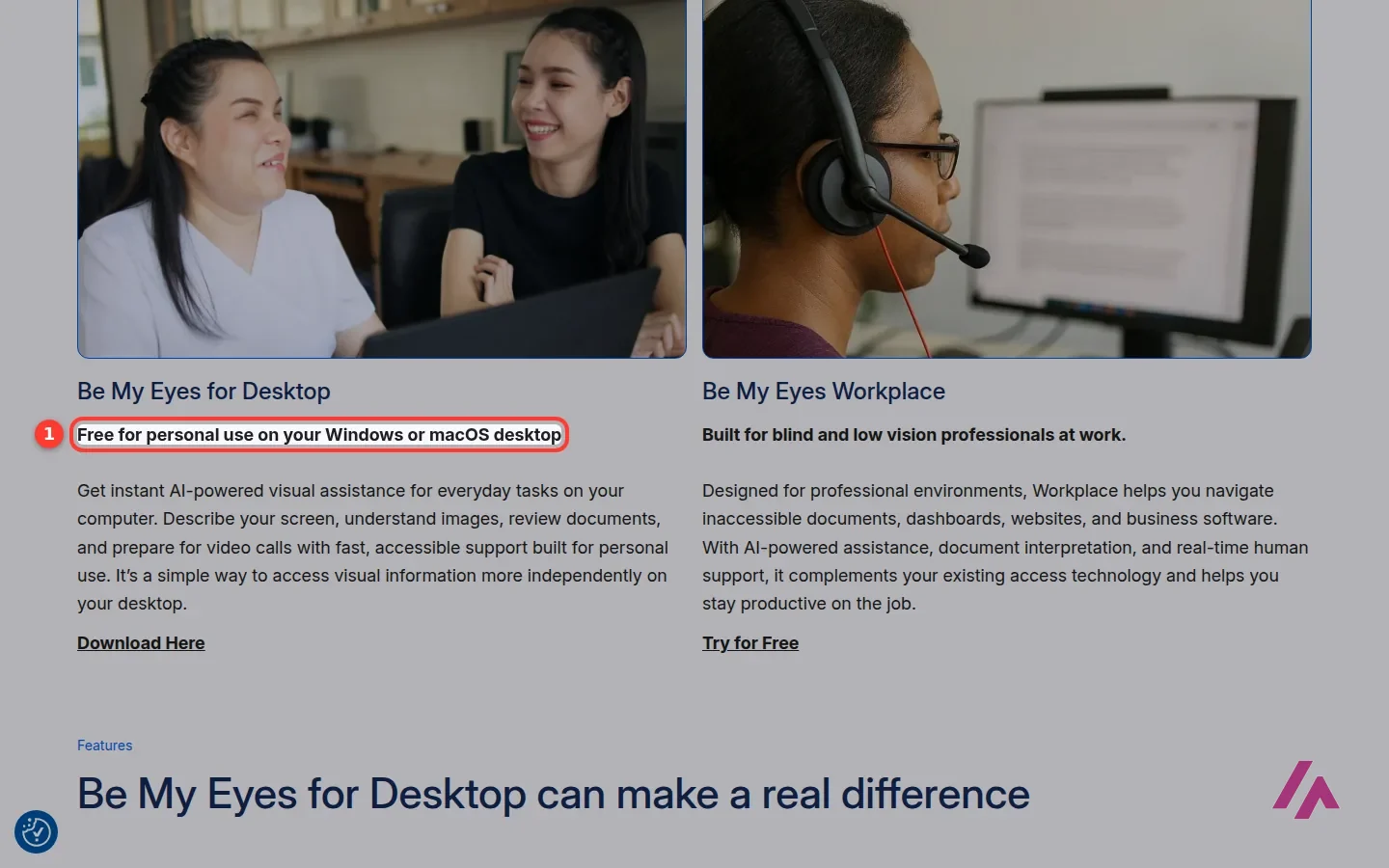
If you need it for your job, Be My Eyes points you to a separate product, Workplace, which it designs for documents, dashboards and business software, with AI and human help.
The other new piece is smart glasses. On Meta's AI glasses, you can call a Be My Eyes volunteer with a voice command: the volunteer sees through the glasses' camera and talks to you through the glasses' speakers, so both your hands stay free. You can also switch the call to your phone's camera when you need a closer look at fine print. For now, Be My Eyes describes this as hands-free access to volunteer calls, and the US is among the countries where it's available.
How Be My Eyes makes money
Since nobody who uses the app pays, it's fair to ask. Be My Eyes runs a business side: companies use it to give blind and low-vision customers visual support through their own service teams, which is what you reach through the Service Directory, and to make their workplaces more accessible for their own staff. There's also a corporate volunteering program for employees. Companies get most of these through a demo request (Workplace also offers a free trial), and there are no public prices. On top of that, the Be My Eyes Foundation, a nonprofit, takes donations.
In other words, when you call a company's support line through Be My Eyes, that company is, in effect, helping pay for your free calls to volunteers. It's a model I like a lot more than ads.
Privacy, as Be My Eyes tells it
Be My Eyes describes its calls as "100% anonymous": the volunteer only hears your voice and sees what you show with your camera. The video only goes one way, so the volunteer never sees you, while you can both talk. My practical advice is the obvious one: before you call, point the camera away from your mail, your cards and anything with your address on it, unless that's exactly what you need help reading. With Be My AI, you're sending a photo to an AI, so the same care applies.
How to volunteer
This is the part where you, reading this with working eyes, come in. Volunteering takes a phone and a few minutes now and then:
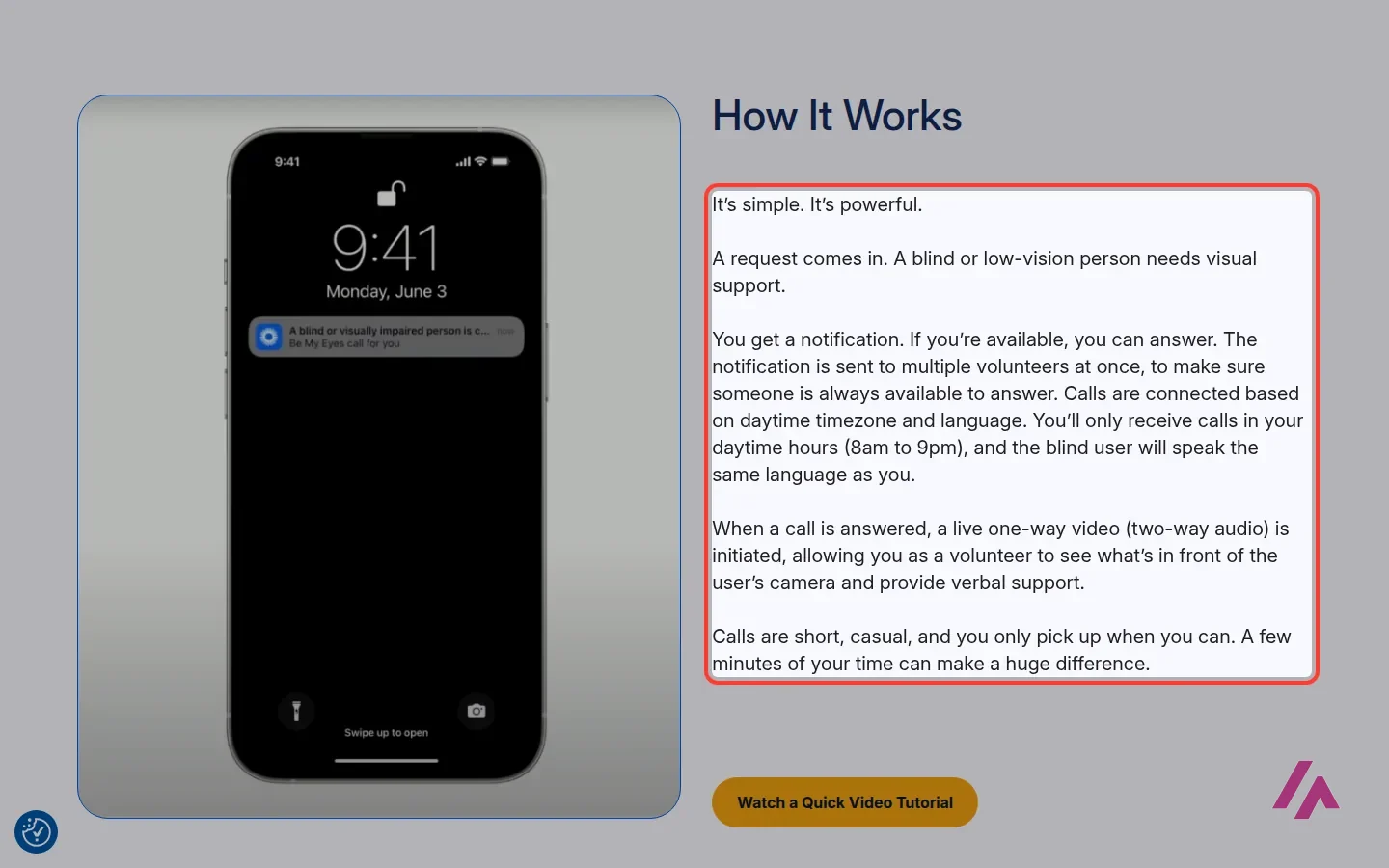
- Download the Be My Eyes app on iPhone or Android and sign up as a volunteer.
- When someone needs help, Be My Eyes notifies several volunteers at once, and the first one to answer gets the call. If you're busy, you just don't answer, and someone else will.
- You only get calls in your daytime hours, from 8am to 9pm, and from people who speak your language.
- On the call, you see their camera and talk them through it. Calls are usually short.
Don't be surprised if you wait a while for your first call. With millions of volunteers, there are many more helpers than people calling, which is exactly how it should be for the person waiting for an answer. When it comes, the tutorial below shows you what to do.
Written by Miguel Ángel, with help from an LLM to verify facts.
Be My Eyes' own demo from 2024: a blind user points his phone at what's around him and an AI talks him through it, live. Take it as a demo of where things are heading, not as a tour of the app you'll find today.
Who is it for? For people who are blind or have low vision and want help reading, identifying or checking something, and for anyone with a phone and a few spare minutes who wants to volunteer. It is not a navigation aid for crossing streets.
What I like and what I don’t
What I like
- Calls to volunteers and Be My AI are free for blind and low-vision users, with no limit on calls, according to Be My Eyes.
- Volunteers only hear your voice and see what your camera shows: the video goes one way, according to Be My Eyes.
- It works on iPhone, Android, Windows and Mac, and on Meta's AI glasses for hands-free volunteer calls.
What I don’t
- An AI description can be wrong, and a volunteer is a kind stranger: neither is the right tool for medication doses or anything where a mistake hurts.
- Volunteers only get calls during their own daytime hours and in their own language.
- The desktop app is for personal use only; the work version is a separate product for companies.
Have you used Be My Eyes? Tell me how it went
What worked for you and what didn’t. Your experience helps the next person who lands here unsure more than any review page. I read every one before publishing.
Write my review
Other conversation AI tools on the site
Same kind of tool as Be My Eyes, for similar jobs.
-

LuzIA
Free with limits
Original Spanish idea that combines the power of ChatGPT with the familiarity of WhatsApp . Talk to the Artificial Intelligence as if it were another contact: writing or sending audios.
See details → -

Andi
Andi is a next-generation search tool that uses generative artificial intelligence to provide answers to questions, as well as to explain and summarize combined information from the best sources.
See details → -
Poe
Free with limits · from $4.99/mo
Quora's app for chatting with GPT, Claude, Gemini, Grok and thousands of other bots under one account. Free users get daily points; subscriptions start at $4.99 a month.
See details →
How I tested it
On October 24, 2026, I went through Be My Eyes' website in US English without installing the app or creating an account: the home page, the Be My AI page, the Volunteer Hub, the desktop app page, the smart glasses page and the business site, plus the app's page on the US App Store. Everything about what happens inside a call comes from Be My Eyes' own pages and videos. The screenshots are from that session.
If you're thinking of volunteering, this short tutorial from Be My Eyes shows what happens when a call comes in and how to help.

Written by Miguel Ángel, with the help of an LLM to fact-check. In IT since 2002 (systems, engineering, web development and SEO), doing business with AI since February 2023, when ChatGPT could first be bought in Spain. I build, write and maintain this site myself.

Got a question? Ask me
About Be My Eyes, its plans or whether it fits what you need. I’m Miguel Ángel, and I’ll answer you myself, right here.