
Kling AI
Video
An AI video generator that turns text or images into short clips. The free plan gives 10 credits a month, not enough for a clip; Standard is $6.99 the first month, then $8.80.
- Free with limits
- from $8.80/mo
Price checked on
Tell me what you want to do and I’ll show you what each tool does, what the free plan gets you and what it costs.
120 tools in the directory
The pages people read most this month.
Video
An AI video generator that turns text or images into short clips. The free plan gives 10 credits a month, not enough for a clip; Standard is $6.99 the first month, then $8.80.
Price checked on

Personal assistant
xAI's chatbot, with live web and X search, image and video generation, and voice chat. Free with an account; paid plans from $8 to $200 a month, now sold as The X Subscription with Cursor and X perks.
Price checked on
Google · Video
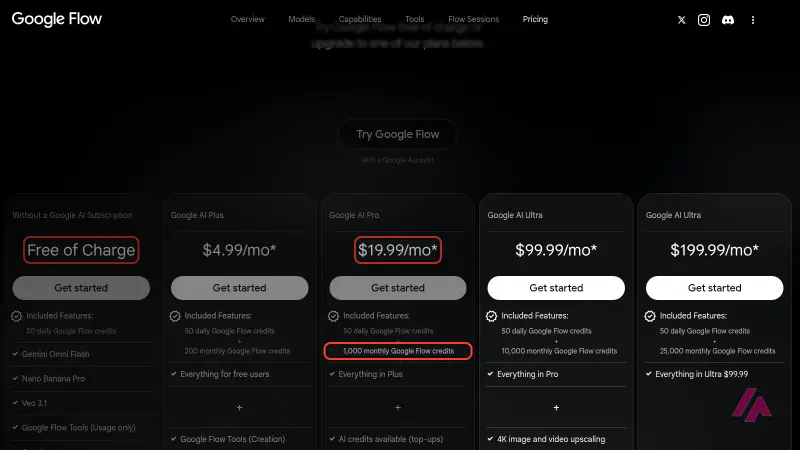
Google's AI studio for making and editing video and images with Veo 3.1, Gemini Omni and Nano Banana. Free with 50 credits a day; paid plans from $4.99 a month.
Price checked on
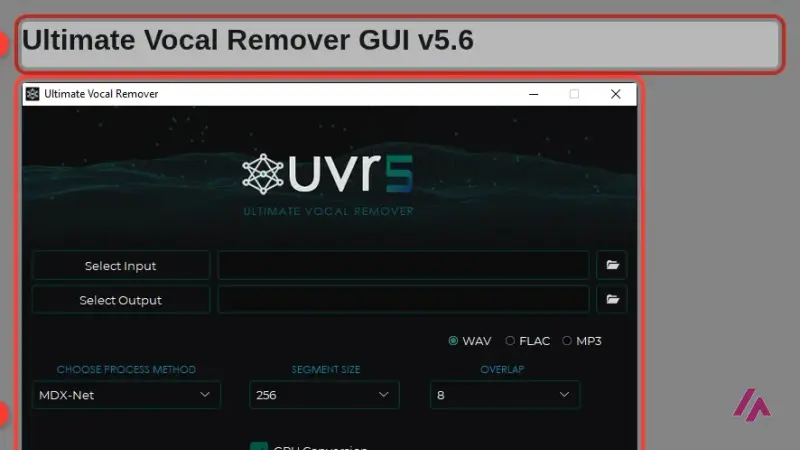

Audio
Free, open-source desktop app that splits a song into vocals and instrumental with AI models. Windows, Mac and Linux, downloaded from its GitHub.
Price checked on
Manus AI · Personal assistant
An AI agent you hand a task to, not just a question: research, websites, slides and more. Plans start at $20 a month and everything runs on credits.
Price checked on
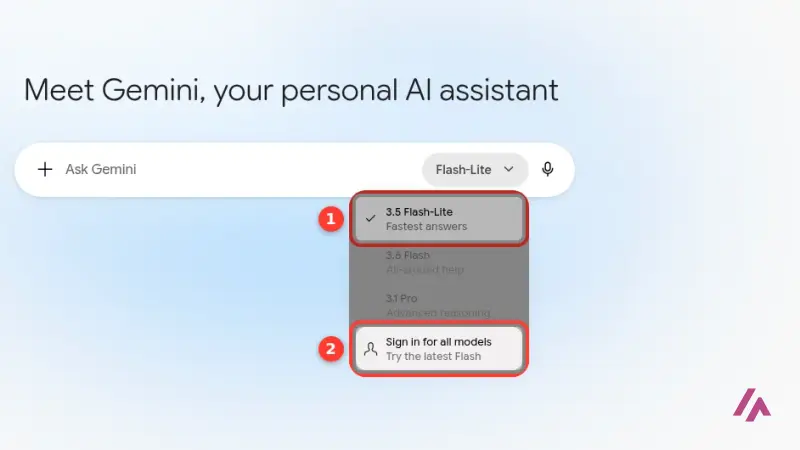

Google · Personal assistant
Google's AI assistant for questions, writing, images and research. Free with a Google Account; Google AI Plus is $4.99 a month, Pro $19.99 and Ultra from $99.99.
Price checked on
The latest pages I have tested or rewritten.
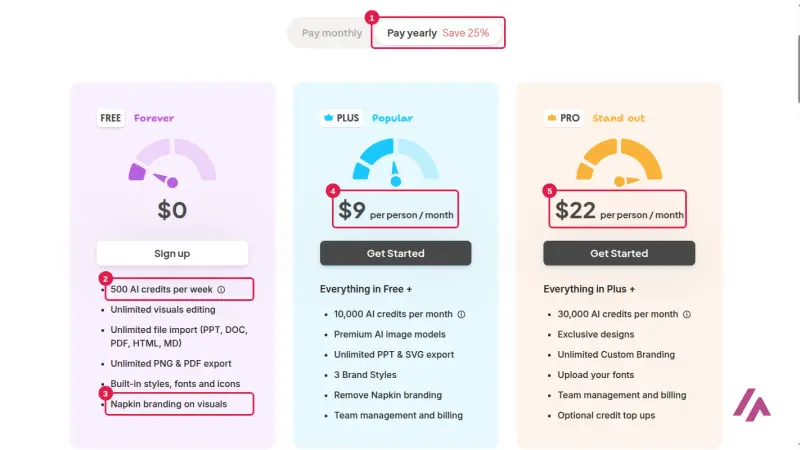

Napkin AI · Design
A web app that turns text you paste into editable diagrams, flowcharts and mind maps. Free with 500 AI credits a week and Napkin branding; Plus is $12 a month.
Price checked on
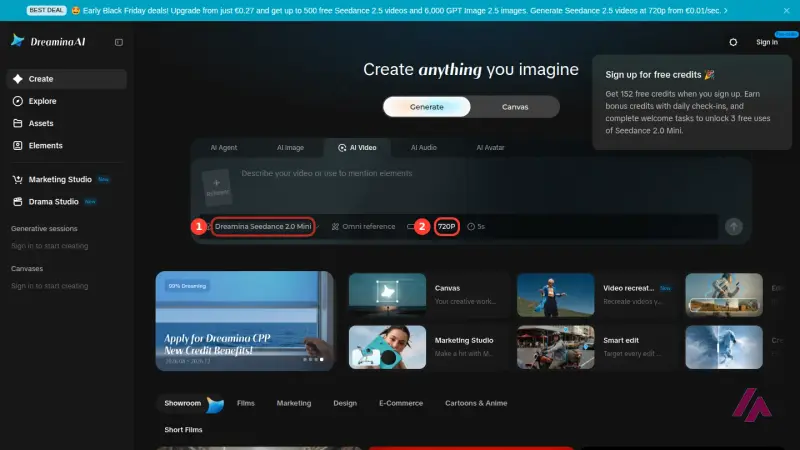

ByteDance · Video
ByteDance's family of AI video models, used in Dreamina, CapCut, the BytePlus API and Higgsfield. Free to try with credits; Seedance 2.5 needs a paid plan.
HeyGen · Audio
An AI video platform: write a script and an avatar presents it, or translate a video into other languages. Free for 3 watermarked videos a month; Creator is $29 a month.
Price checked on

Coding
Anthropic's AI coding agent for your terminal, IDE, desktop and the web. Not on the free plan: it comes with Pro ($20 a month), Max ($100) and Ultra ($200), or you pay per use.
Price checked on
Otter.ai Inc. · Personal assistant
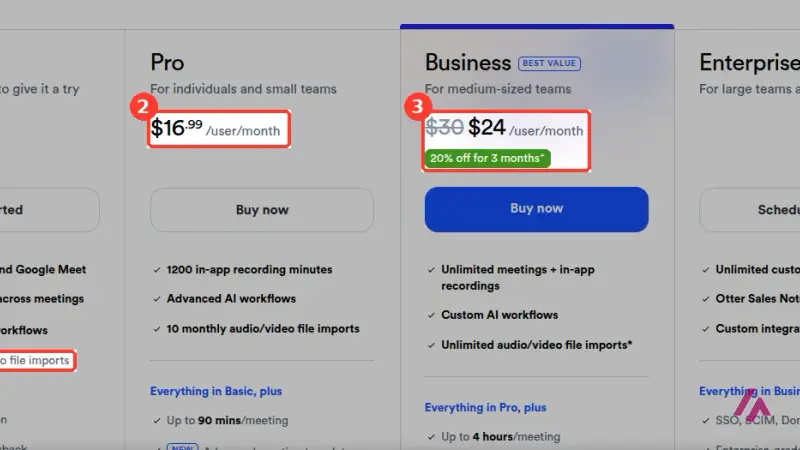
An AI notetaker that joins your calls and transcribes them. Free plan with 300 minutes a month and 3 file imports for life; Pro from $8.33 a month billed yearly.
Price checked on

Audio
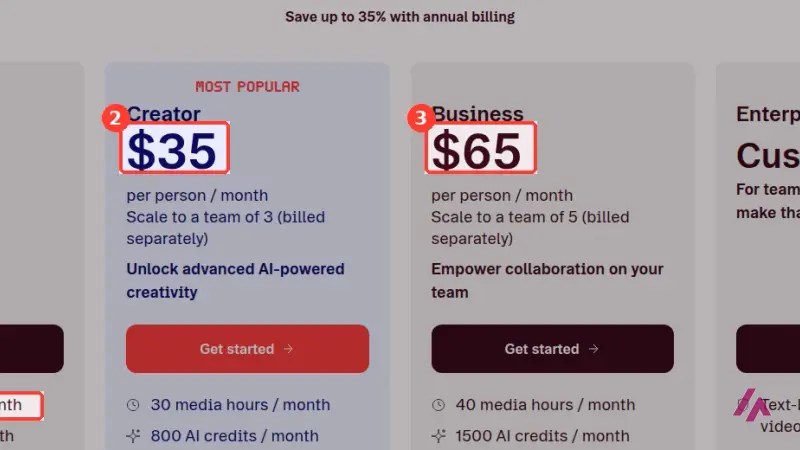
A video and podcast editor where you edit the transcript to edit the recording. Free plan with 1 hour of media a month; Hobbyist from $16 a month billed yearly.
Price checked on
Business applications
Three ways to turn text into a podcast-style conversation, and only one of them is still a product you can just open and use. Here's where Google's…
Research and development
The latest changes to the tools on the site.
Qwen. Alibaba releases Qwen-Image-2.1-Turbo, a faster version of its Qwen-Image-2.1 image model (research licence, non-commercial use)
Gemini. Google announces Gemini 4 Argon, its new frontier model, and starts with a group of cyber defenders. Update: since October 13 it's in the Gemini app and in AI Mode in Search for Google AI Pro and Ultra subscribers; the free plan and Plus don't get it.
What you get without paying, plan by plan.

Free, open-source desktop app that splits a song into vocals and instrumental with AI models. Windows, Mac and Linux, downloaded from its GitHub.
Checks images, video and audio for a SynthID watermark; you need to sign in with Google, Apple or ChatGPT, and there's a daily usage quota
Chat on the web and in the apps, with an account; the API is billed separately, pay as you go in US dollars
Buzz is a tool that allows you to transcribe and translate audio offline on your personal computer . It is powered by OpenAI’s Whisper.
The app is free and open source (MIT); free models with no account (for a limited time, per the docs); other providers at their own prices
If you pay: from $10/mo
42 tools I had on the site no longer work or go by another name. Here’s what I’d use instead.
Who is behind this site and how I choose what goes on it: About me How I test tools