ClipDrop Replace Background
1 min read
Price Pricing on their site
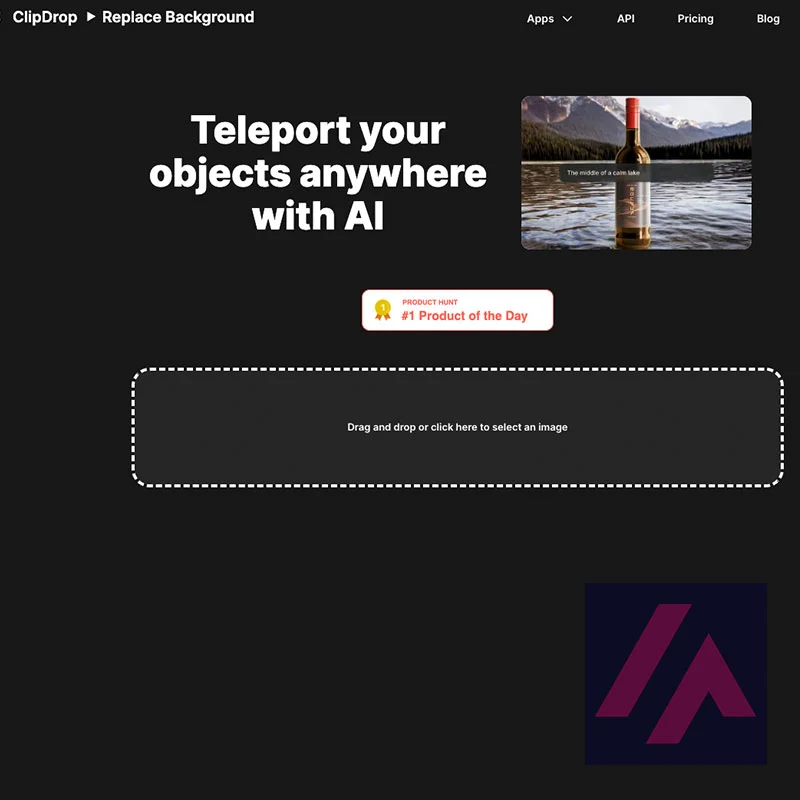
This AI removes the background of the images you upload and allows you to generate an alternative background from a prompt. It is very simple and effective.
Older page, not redone yet. I wrote this in January 2023. I’m redoing these pages one by one, with my own screenshots and my verdict; this one’s still in the queue.
What is ClipDrop Replace Background
- Type
- Image
- Updated on
- Jan 25, 2023
You just need to upload an image in the upload area of the web and it will do its magic. After removing the background of the image it will display a preview where we can resize or reposition the image. Under the image we can enter a prompt or descriptive phrase for the AI to generate an alternative background. After that we can download our regenerated image.

Written by Miguel Ángel. How I test the tools
Have you used ClipDrop Replace Background? Tell me how it went
What worked for you and what didn’t. Your experience helps the next person who lands here unsure more than any review page. I read every one before publishing.
Write my review
Other image AI tools on the site
Same kind of tool as ClipDrop Replace Background, for similar jobs.
-

Unbound
Unbound is an artificial intelligence tool that allows you to generate an unlimited number of high definition product photos with any background.
See details → -

DiffusionBee
DiffusionBee is an AI image generation tool that offers the latest Stable Diffusion features in one easy-to-use package.
See details → -
Image Enlarger
AI Image Enlarger is an all-in-one toolkit that will help you enhance and increase the size of your images .
See details →

Got a question? Ask me
About ClipDrop Replace Background, its plans or whether it fits what you need. I’m Miguel Ángel, and I’ll answer you myself, right here.