
ChatGPT
OpenAI · Personal assistant
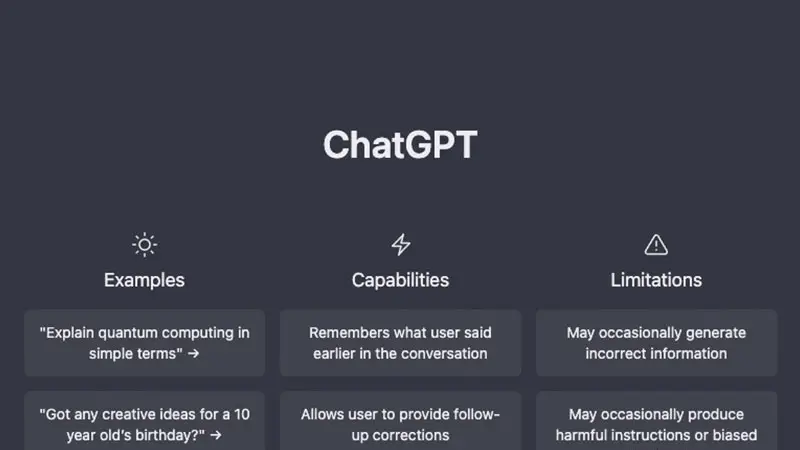
When you ask ChatGPT to describe itself, it does my job: “I am a language model trained by OpenAI. I do not have a physical body, but exist in the form of code and data stored in a computer.
- Free with limits
Every one I have on the site. The ones I’ve fully reviewed carry my verdict; the rest are older pages I’m bringing up to date.
11 tools
OpenAI · Personal assistant
When you ask ChatGPT to describe itself, it does my job: “I am a language model trained by OpenAI. I do not have a physical body, but exist in the form of code and data stored in a computer.

Conversation
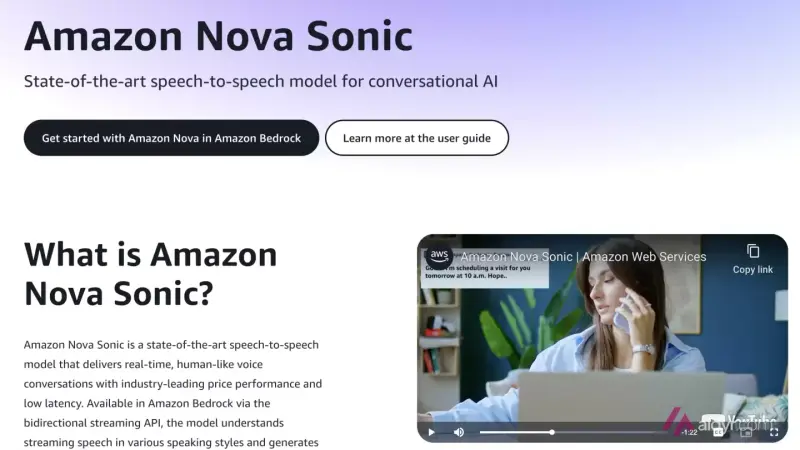
Understanding tone and intonation in human conversations is the key skill of this AI, thus enhancing the interaction between humans and machines.

Conversation
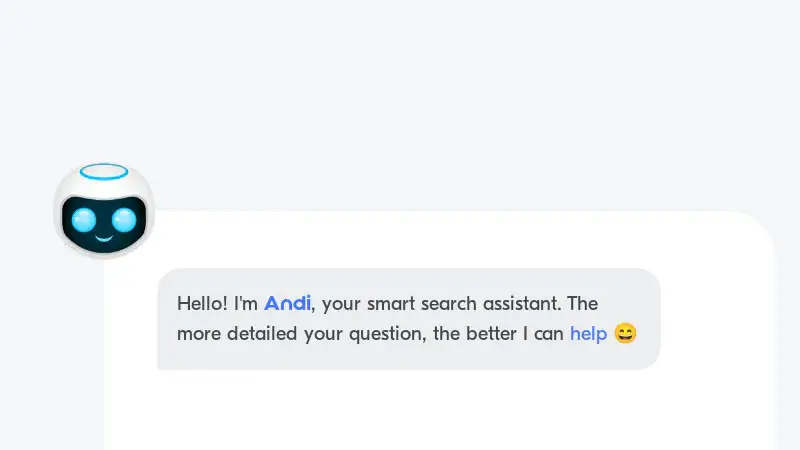
Andi is a next-generation search tool that uses generative artificial intelligence to provide answers to questions, as well as to explain and summarize combined information from the best sources.


Conversation
Be My Eyes is an application designed to help blind or visually impaired people by providing visual assistance through video calls with volunteers.
Conversation
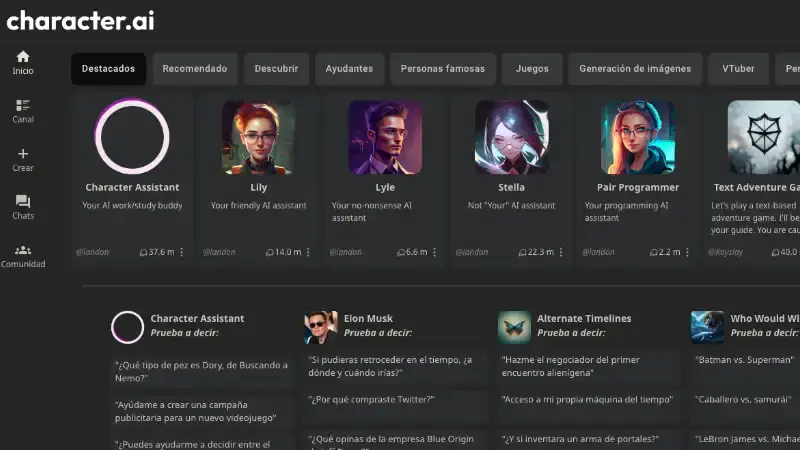
Character AI is an amazing tool that is changing the way content creators generate ideas. This conversational AI allows users to create fictional characters that they can interact with through chat.

Conversation
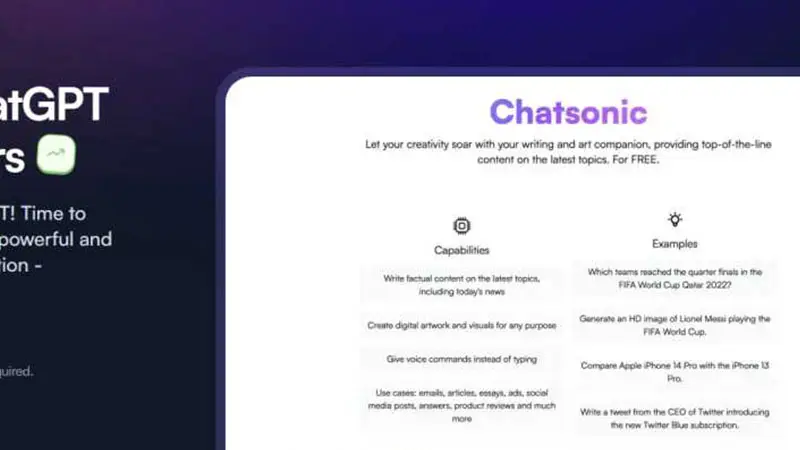
Chatsonic is a conversational AI chatbot developed by Writesonic. This AI tool allows users to interact through voice or text commands to generate accurate and relevant content in real time.

Conversation
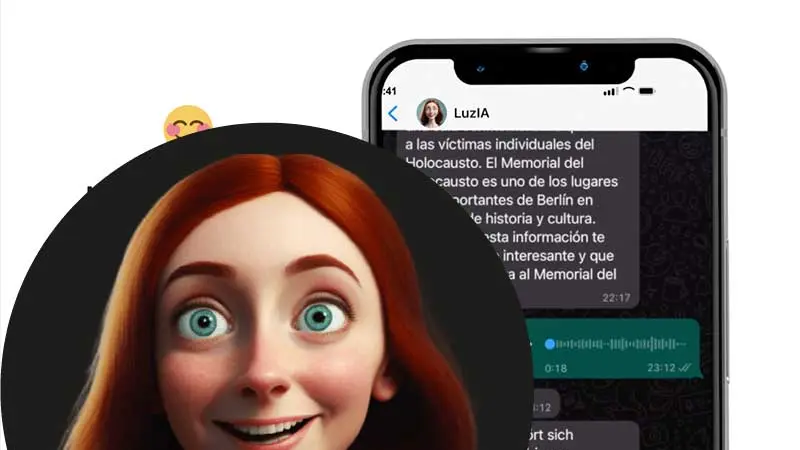
Original Spanish idea that combines the power of ChatGPT with the familiarity of WhatsApp . Talk to the Artificial Intelligence as if it were another contact: writing or sending audios.
Conversation
This AI is ideal for performing generative tasks and assisting in conversations , facilitating the understanding of multiple modalities and languages.

Conversation
Perplexity AI is a conversational search engine that allows you to ask it anything and it will respond with the best possible answer .
Conversation
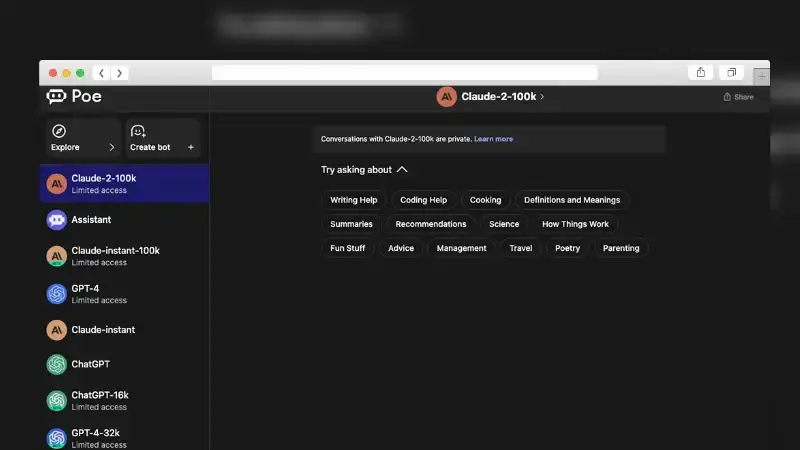
POE AI is an artificial intelligence-powered chatbot web platform developed by the Quora community. It allows you to access and experiment with different language models for free through a friendly…

Conversation
Facilitates collaborative work on coding projects. With Trudy, you can work as a team more efficiently, sharing ideas and solutions in real time.
No tool matches those filters.